
You can upload lists in .pak, .csv or .txt formats.
If there are different IPLookup .csv files with the same name in multiple Logpoint instances, the IPLookup treats them as the same file. We recommend you assign a unique name to each .csv file before upload.
Click ASSETS from the navigation bar.
Use Select Assets Type to select the ones you want to upload. The assets type and the file type need to match.
Use Click to upload or drag and drop the files here to find the files.
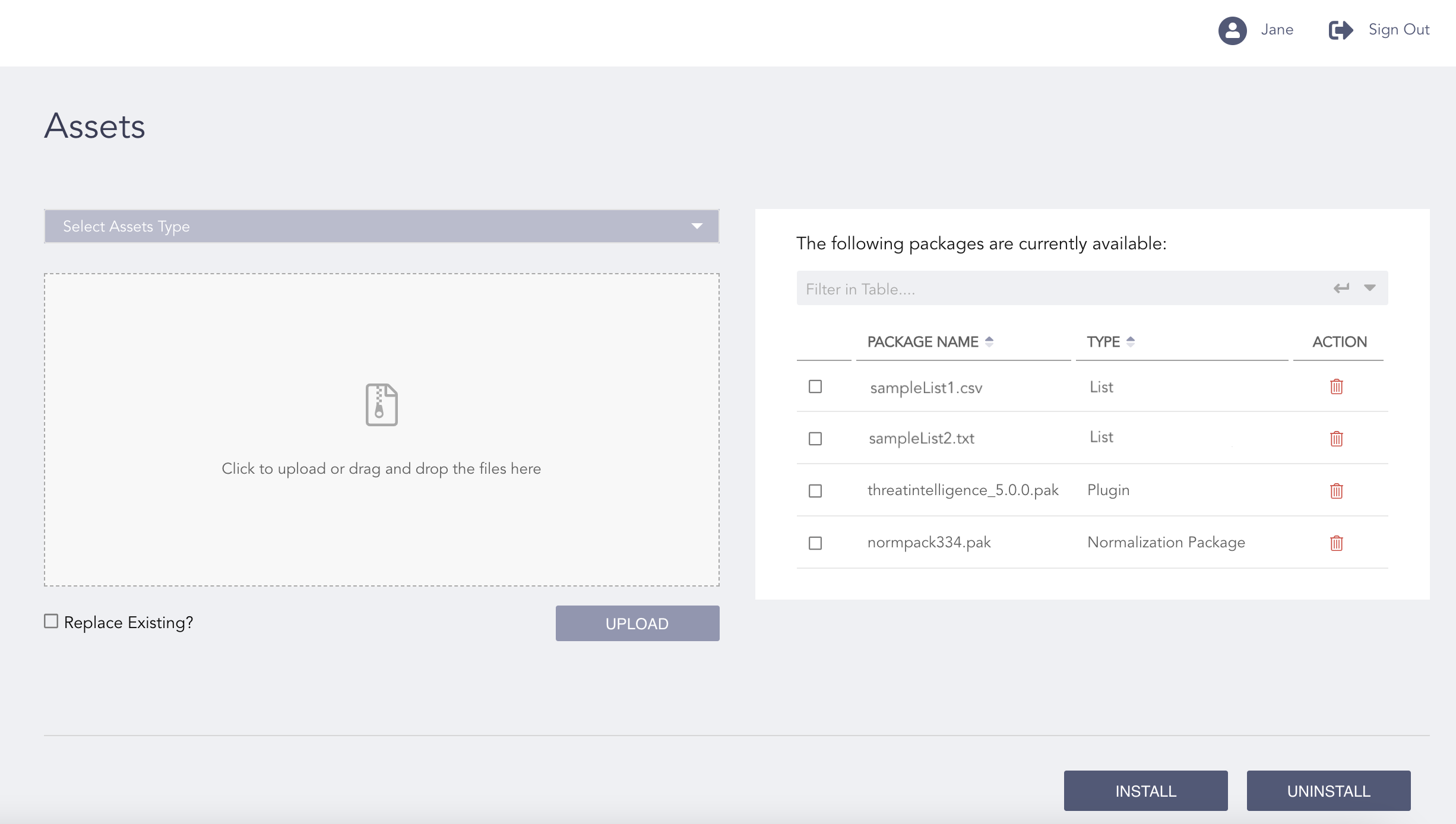
Uploading Assets
Select Replace Existing? if you want to replace the existing file with the same name.
Click UPLOAD.
You can download the packages from the Logpoint Help Center.